
Canvas ePortfolio will be retired on June 30th, 2026. After this date, only the new Portfolio solution will be available and can be found in the same location as the previous one. To ensure a smooth transition, we recommend beginning transition plans early and transitioning to use the new solution.
All students who used the previous tool will need to download and create a new Canvas Portfolio to save the content.
How to Download ePortfolio Content
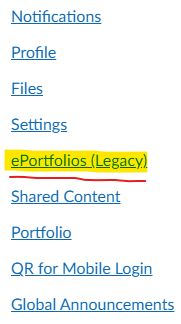
In Global Navigation, click the Account link, then select the ePortfolio (Legacy) link.
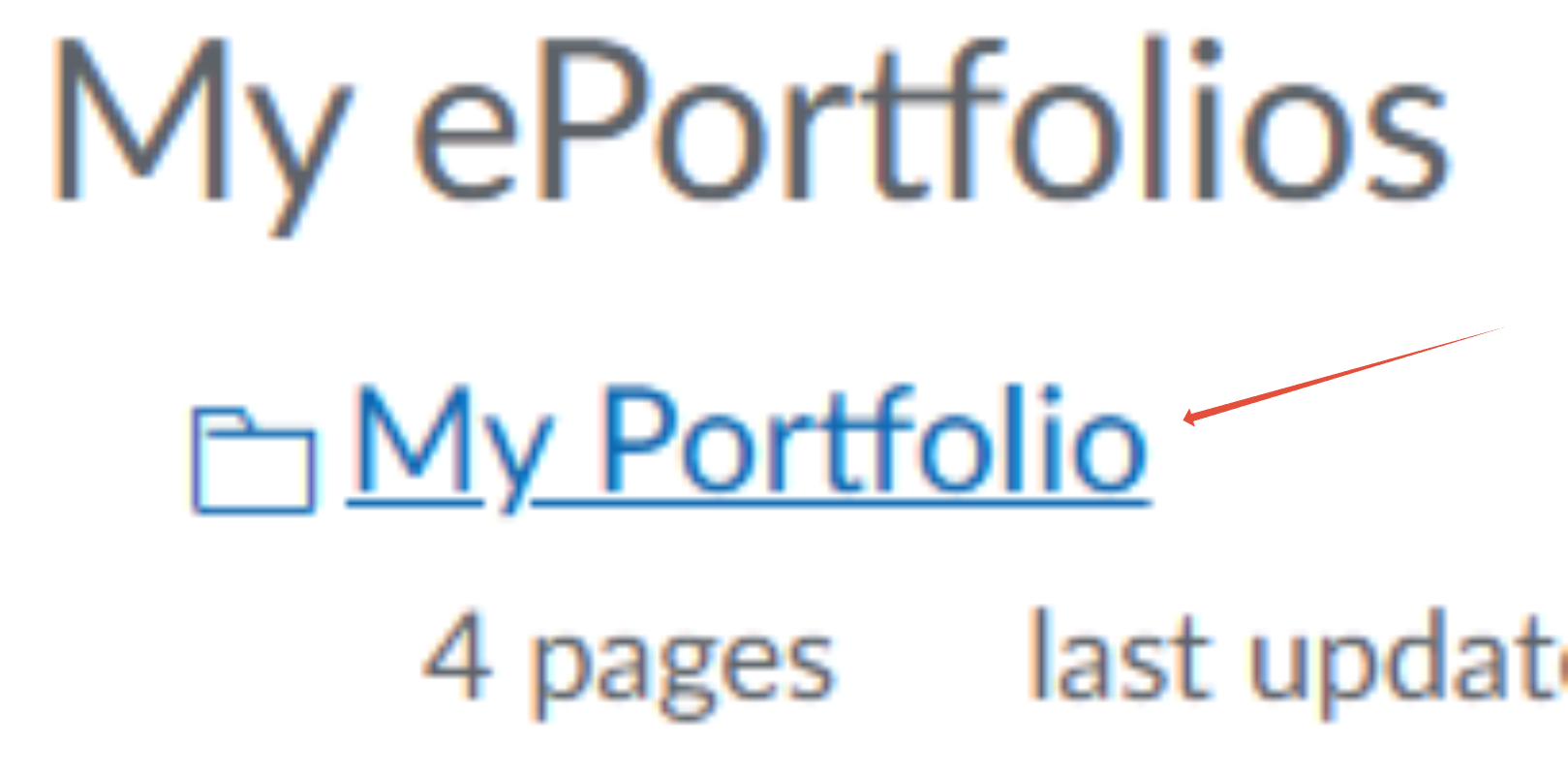
Click the title of the portfolio.
To download your ePortfolio, click the 'Download the contents of this ePortfolio as a zip file' link.
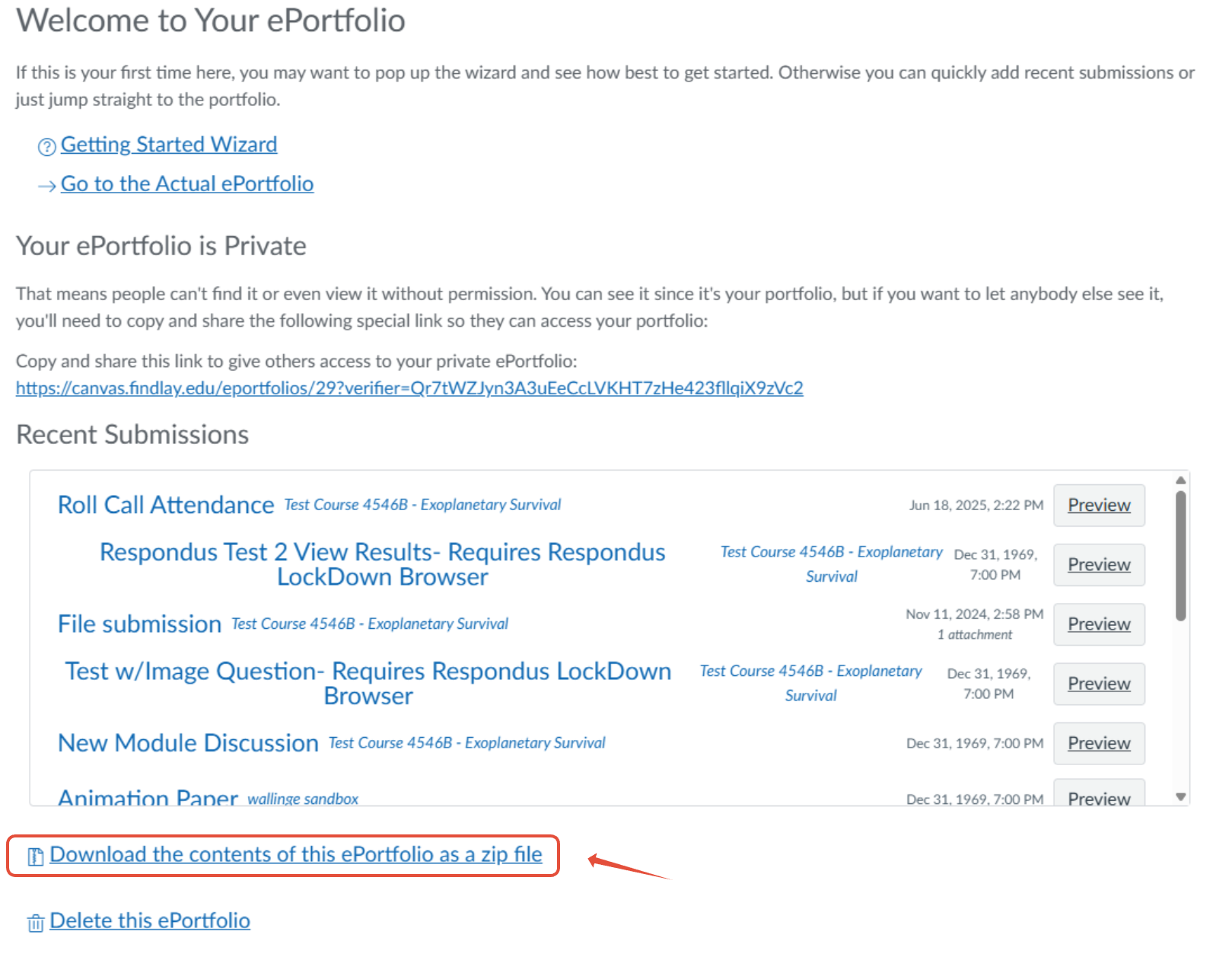
You can monitor the download through the progress bar. It will download as a .zip file to your browser's set download location.

Once you have downloaded your ePortfolio artifacts, you may re-create the portfolio using the new tool.
If you have any questions or issues, contact Technology Support Services
419-434-4357 x2