
UF Faculty and Students: Learn what it means to have academic integrity and what to do if you encounter academic misconduct. To enroll in this course, please follow these directions:
Academic Integrity Training Enrollment Instructions
- Log in to Canvas - https://canvas.findlay.edu.
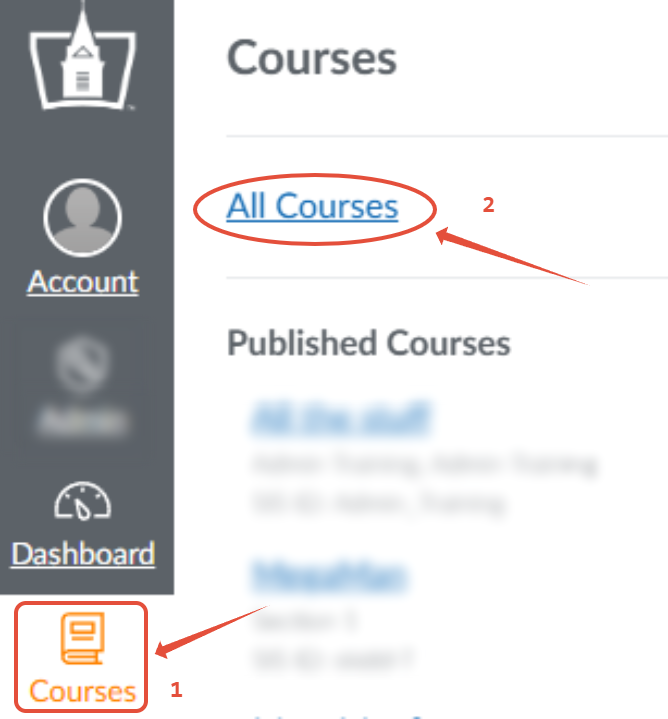
- Navigate to UF's Public Course Index Courses --> All Courses (See Help Guide: How do I view my institution's Public Course Index)
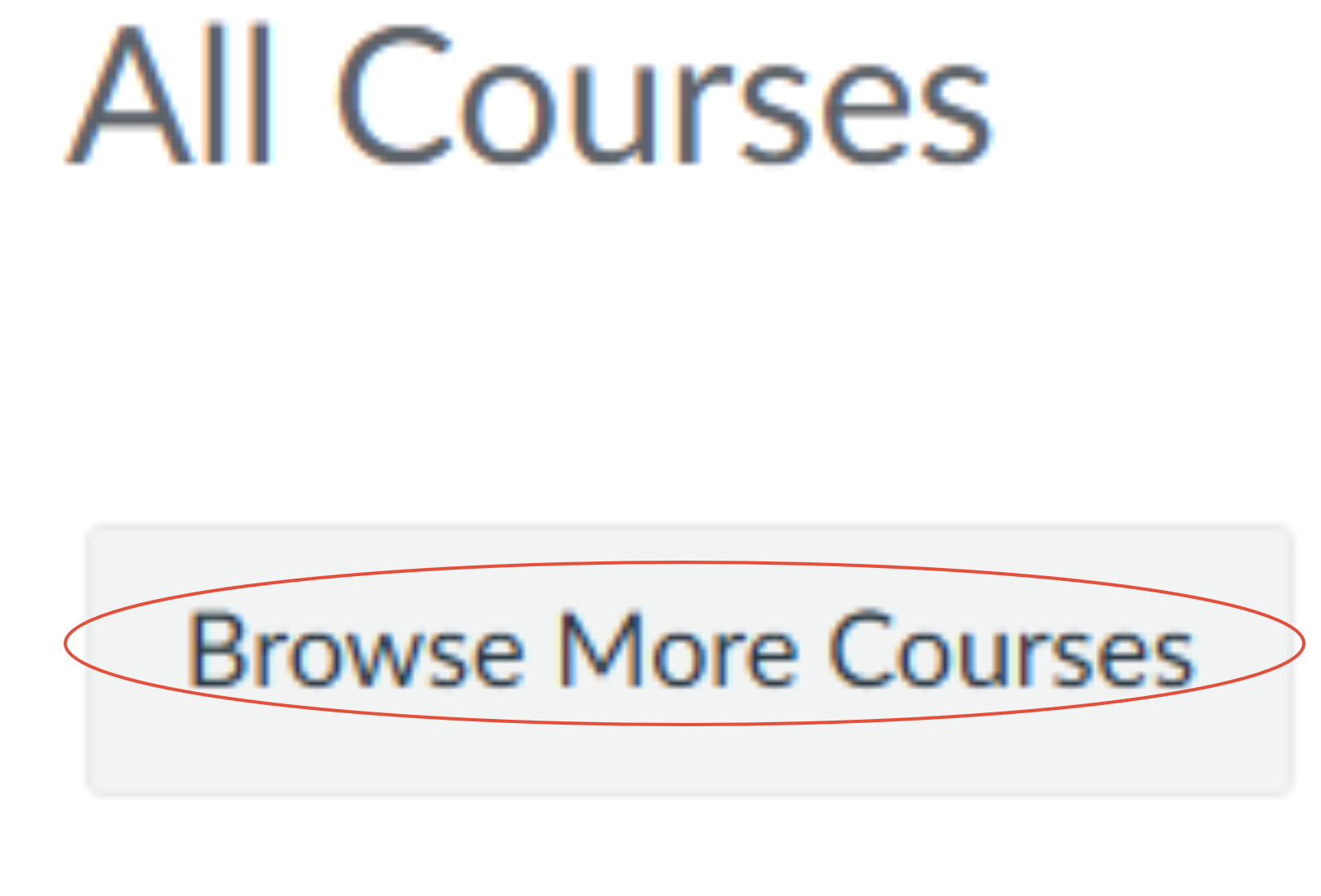
- Click the button on top called "Browse More Courses".
- Locate the "Academic Integrity Training" course. (Tip: You may use the Search box for "Academic Integrity" to filter out other courses from the list.)
- Click "Join this Course" and follow the prompts to self-enroll.
- Once enrolled, you can access the course from your dashboard.
Need Help? Watch this video to see these steps in action (no audio).
If you have any questions or issues, contact Technology Support Services
419-434-4357 x2